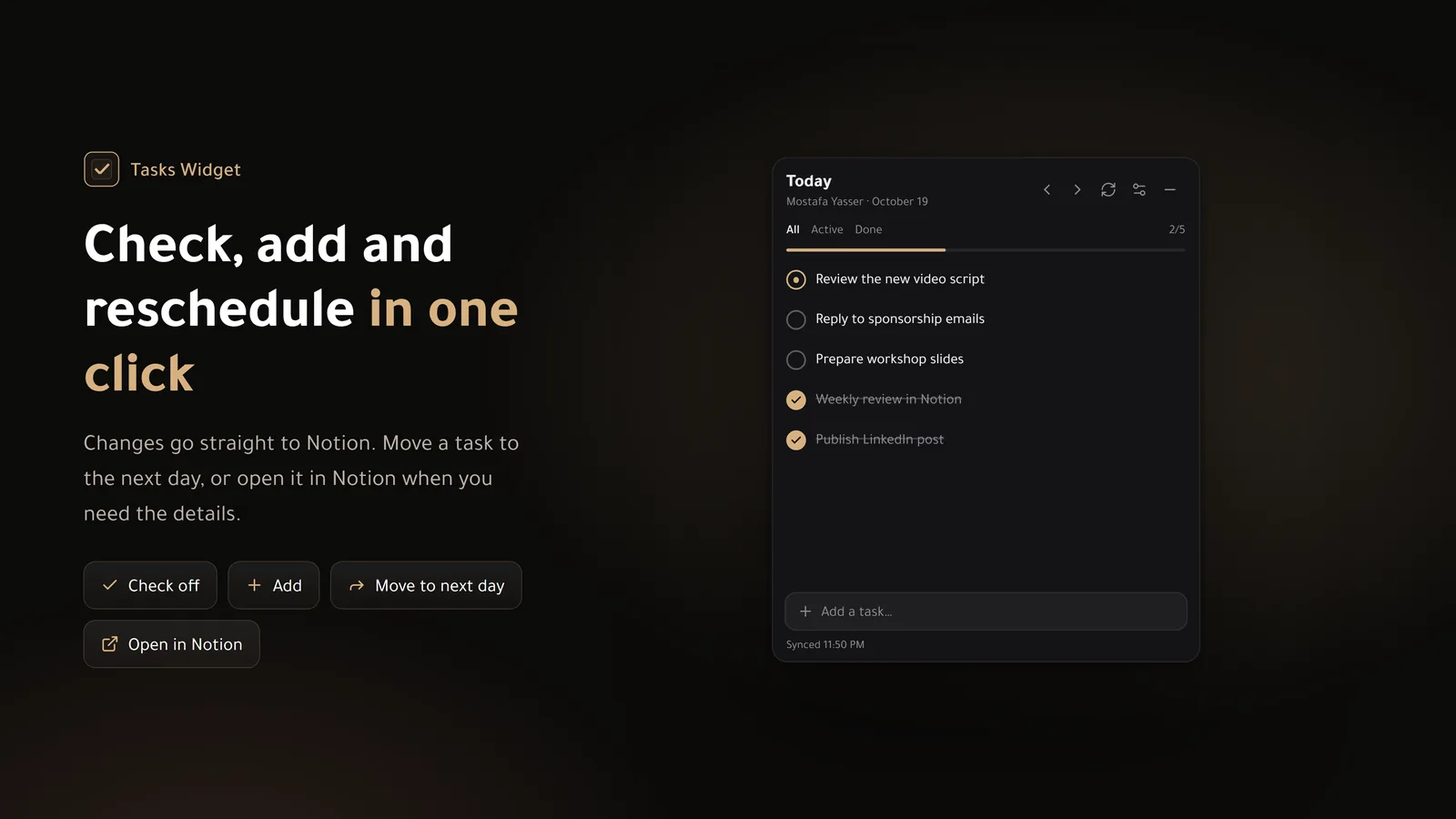
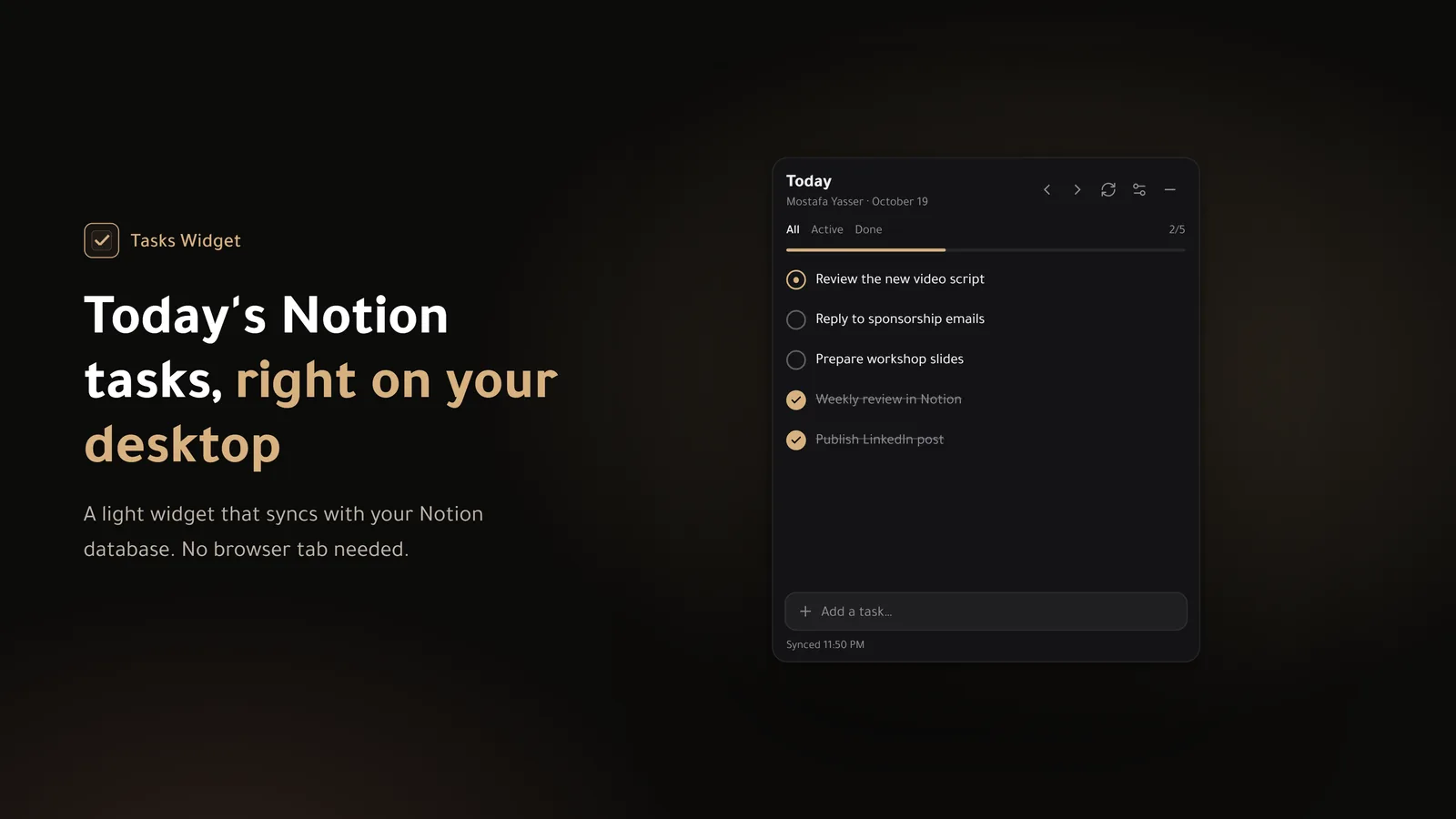
A small widget that lives in your system tray and shows today's tasks from your Notion database. Check them off or move them to tomorrow in one click.
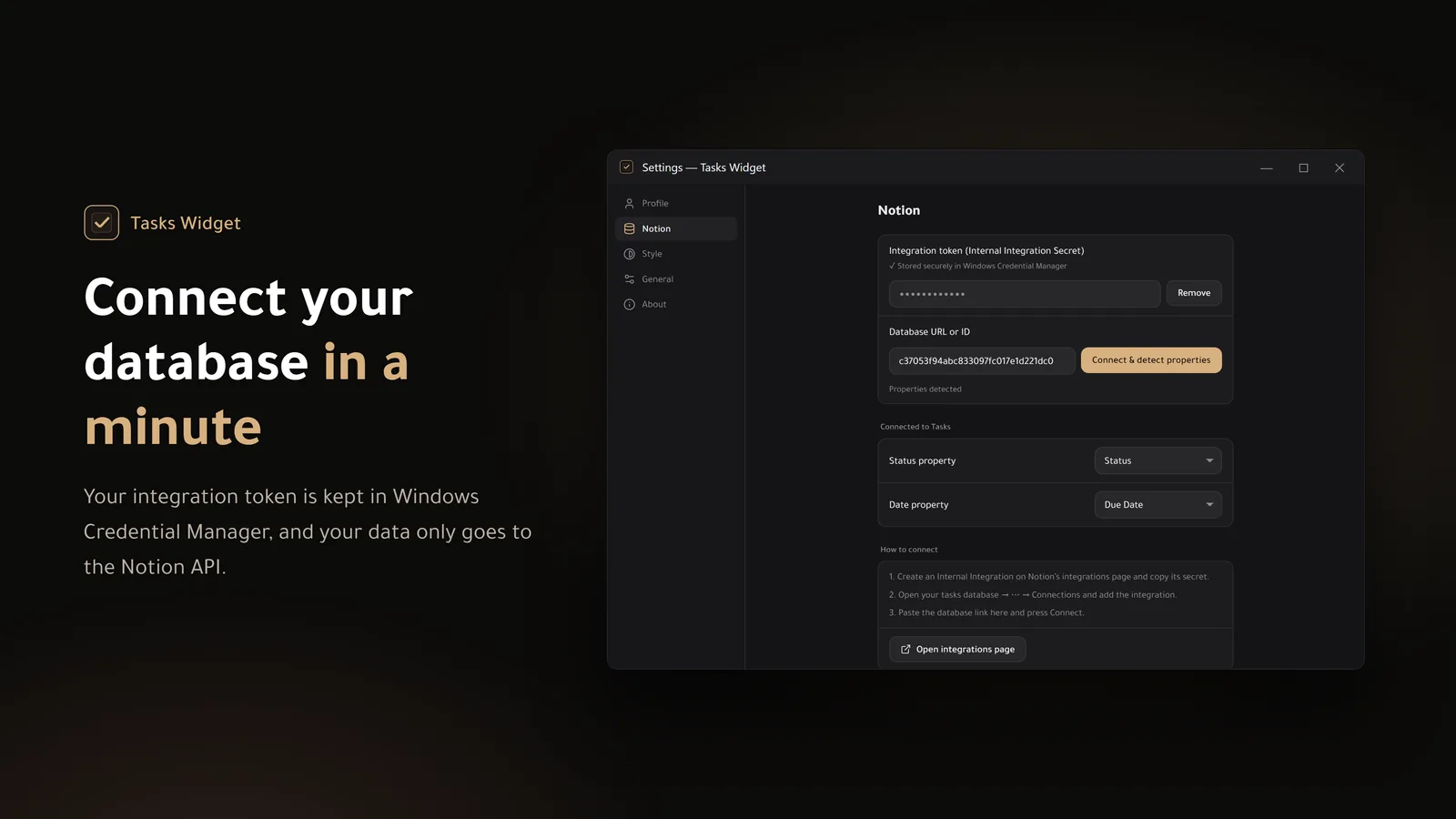
You need a Notion account and a tasks database with a Status property and a Date property.
Click the icon to show or hide it, and right-click for the menu.
Approve on Notion's page and the app finishes on its own. No tokens or database IDs to copy.
Mark a task done and it updates right away. Switching between days is quick.
Move a task to tomorrow, open it in Notion, or delete it (it goes to Notion's trash, so you can restore it). Double-click a task to rename it.
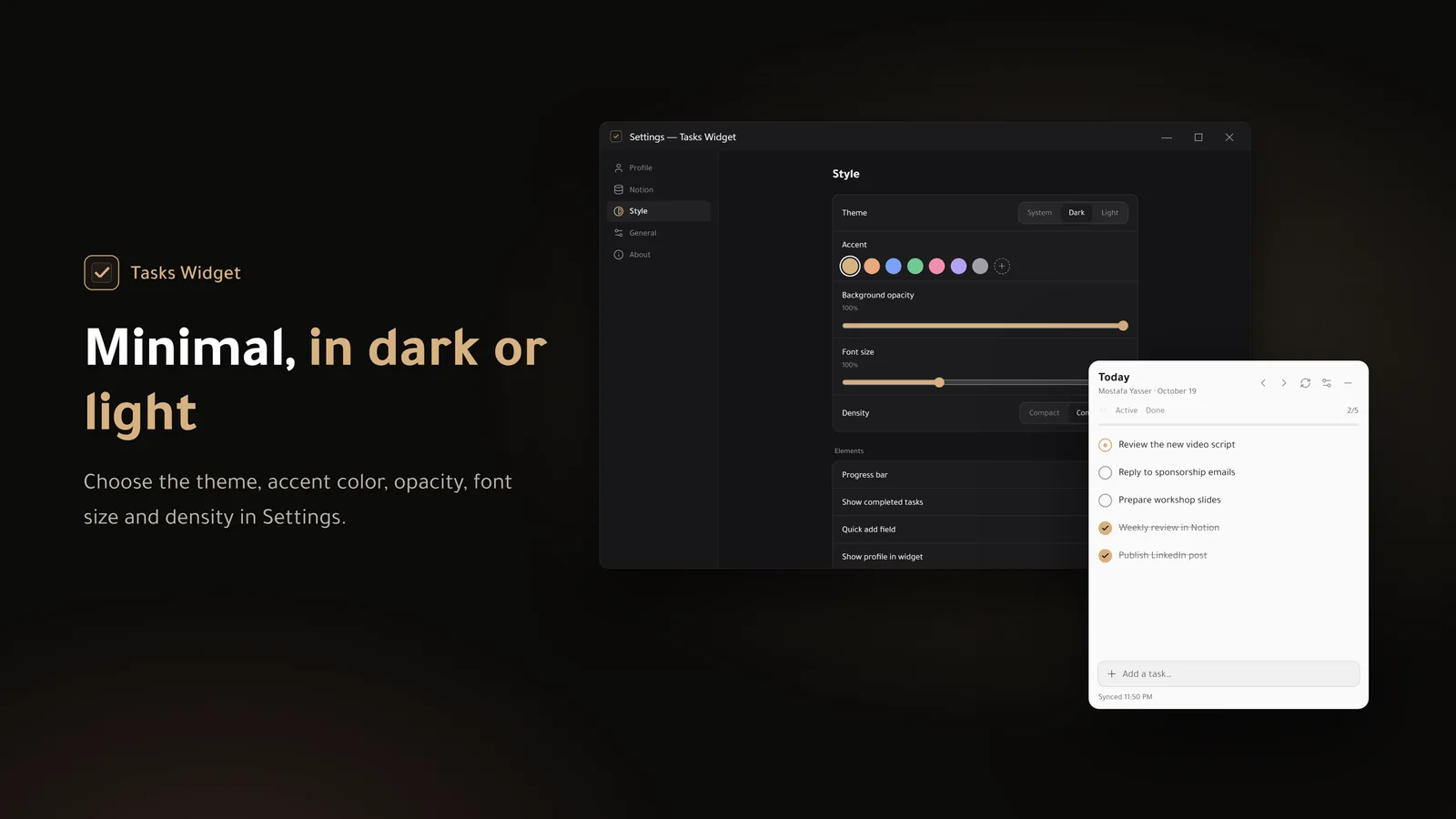
Dark, light or follow Windows, with your accent color, transparency and font size.
Ctrl+N to add, Ctrl+R to sync, Alt+arrows to change day, Ctrl+, for settings.
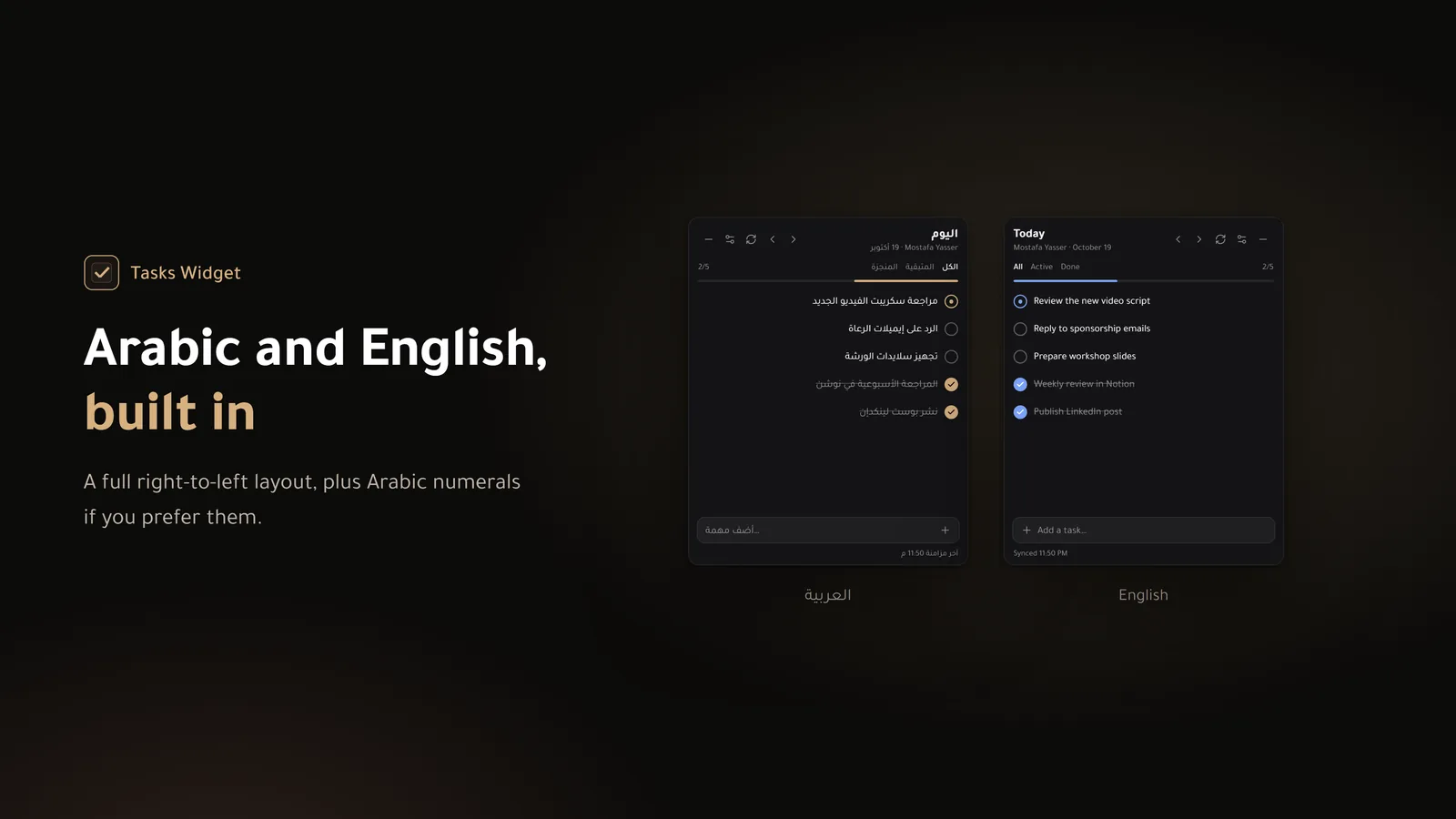
A full right-to-left layout, plus an option for Arabic numerals.
The connection token is kept in Windows Credential Manager, and your data goes straight to Notion only.
Need a ready-made tasks database? The TaskHub template is free. See the TaskHub template