
From creating your account to databases, automations, dashboards and AI agents. Every section ends with a hands-on lesson where you build your own Second Brain, one step at a time.
EGP 1,500 · one-time payment · lifetime access
A ready-made template stops helping at the first change you need. Understanding the building blocks lets you make any system you want.
We start with pages and blocks, then databases, then connecting them. Every lesson builds on the one before.
Instead of scattered examples, you build one system, a Second Brain, from the first section to the last, across 9 hands-on videos.
Includes lessons on forms, charts, page layout customization, the personal agent, custom agents and AI meeting notes.
Mostafa Yasser is a Notion Certified Consulting Partner who builds systems for companies and individuals and publishes templates on the Notion Marketplace.
You have never opened Notion, or you opened it and closed it.
You have many pages and no idea how to connect them.
A freelancer, a business owner, or a student who wants one place for everything.
Not for you if you are already a Notion pro looking for the API and integrations with external tools. This course does not cover them.
Every stage ends with a hands-on build on the same project, so you finish with a working system, not just information.
Account and settings, workspaces, pages and blocks, sharing and web publishing.
Hands-on: Plan your Second Brain and build its pages.
Getting Started, Pages & BlocksProperties, views, filters and sorts, relations and rollups, formulas, buttons and automations.
Hands-on: Build the databases, connect them and automate them.
Database Fundamentals, Advanced DatabasesDatabase templates, page layout customization, forms, charts and dashboards.
Hands-on: Build your Second Brain dashboard.
Advanced FeaturesThe personal agent, custom agents, AI meeting notes, AI autofill and the mobile app.
Hands-on: Add AI to your system and use it from your phone.
Notion AI, Notion MobileOpen any section to see its lessons and how long each one is.
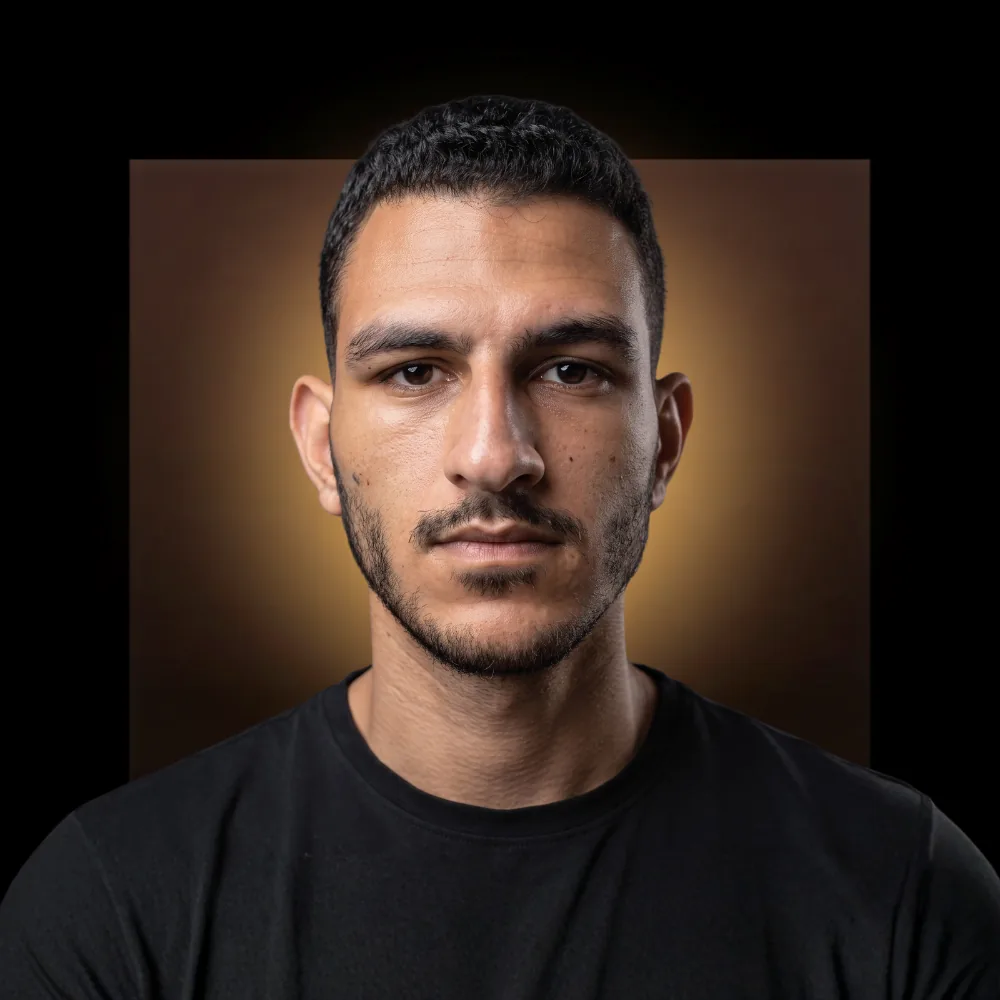
A Notion Certified Consulting Partner. My daily work is building Notion systems for companies and individuals, and publishing templates on the Notion Marketplace.
This course is the order I wish I had found when I was learning: from the basics, in the right sequence, with practice on every part.
A Windows app made for studying: open it, continue, and always know where you are.
The app remembers your last lesson and the exact second you reached.
A tick on every finished lesson, a completion percentage and the time left.
Automatic or manual quality, playback speed, and 15-second skip back and forward.
Finish all lessons and get a certificate in your name with a code that can be verified on this site.
Watching is currently available on Windows only.
one-time payment · lifetime access
Yes. The first section starts with creating an account and the settings, and nothing is required before the course.
All lessons are taught in Arabic.
The free plan is enough for most of the course, and one lesson explains plans and pricing. Notion's AI features are paid, so you only need them if you want to follow that section hands-on.
Inside the MY Hub app on Windows. Watching on Mac or mobile is not available right now.
By bank card through Paymob. The price is in Egyptian pounds.
For life. You pay once and the course stays in your account.
Your account is created with the email you entered, and you get an email. Open the app and sign in with the same email, using a code sent to it or your Google account, and the course is there.
Yes. Finish all lessons and you get a certificate of completion in your name, with a code anyone can verify on this site.
The course has a section dedicated to Notion updates, and some lessons were recorded again after the Notion interface changed.
43 videos, 9 hands-on builds, and one project you build yourself.